Creating a Cloud account
Create a Disguise Cloud account
To sign up for Disguise Cloud, you can create an account on the Disguise Cloud website.
It is free to sign up, no credit card is required.
Please note that we recommend using a Chrome Browser to access disguise cloud.
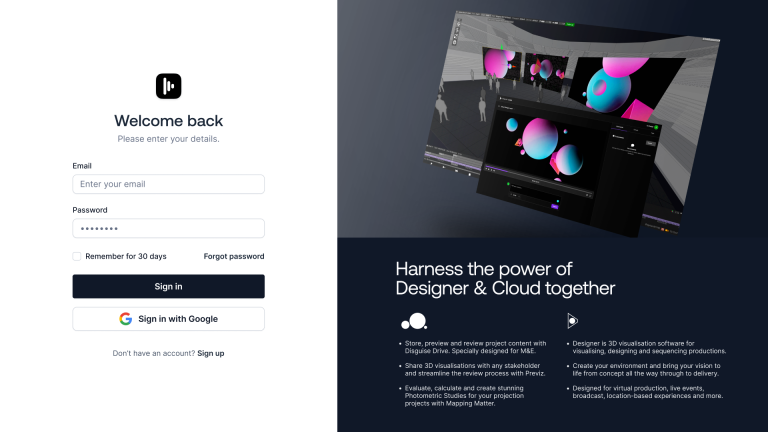
Sign up with Google
-
Go to the disguise cloud account creation page, https://disguise.cloud/signup.
-
Click on the Sign in with Google button.
-
Confirm your Google email credentials
Join with email
-
Go to the Disguise Cloud account creation page, https://disguise.cloud/signup.
-
Click on the Join with email button.
-
Confirm your email credentials.
Sign in
-
Go to the Disguise Cloud website, https://disguise.cloud.
-
Confirm your Google email credentials.
Sign out
-
Click on your profile avatar image.
-
Click Sign Out.
