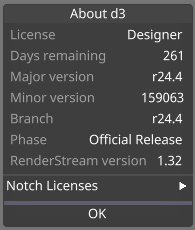
Please note: that you may only have one version of Designer installed at a time.

To see what current release you have installed on your system go to the d3manager > Help > About d3manager.
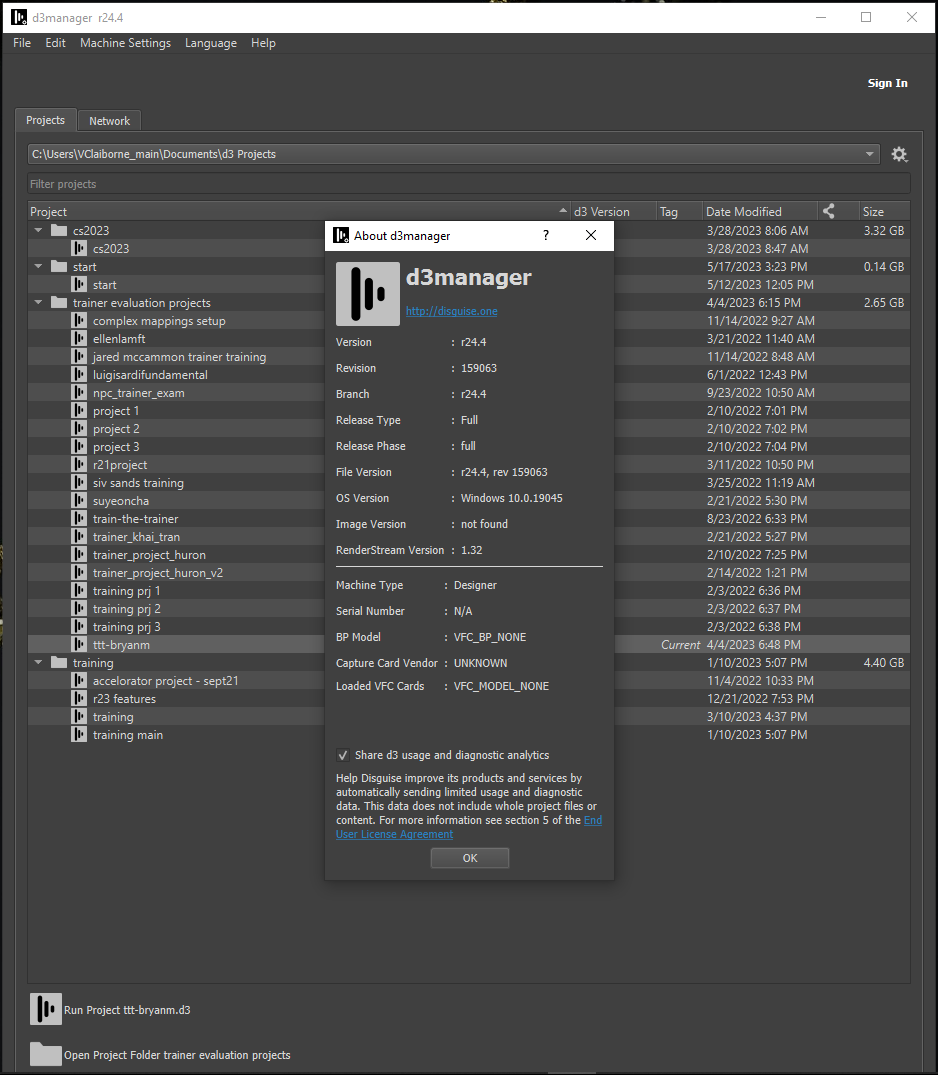
About d3manager dialog
Additionally in the d3manager you can hover the mouse over the menu bar to reveal a tooltip box displaying the current version number
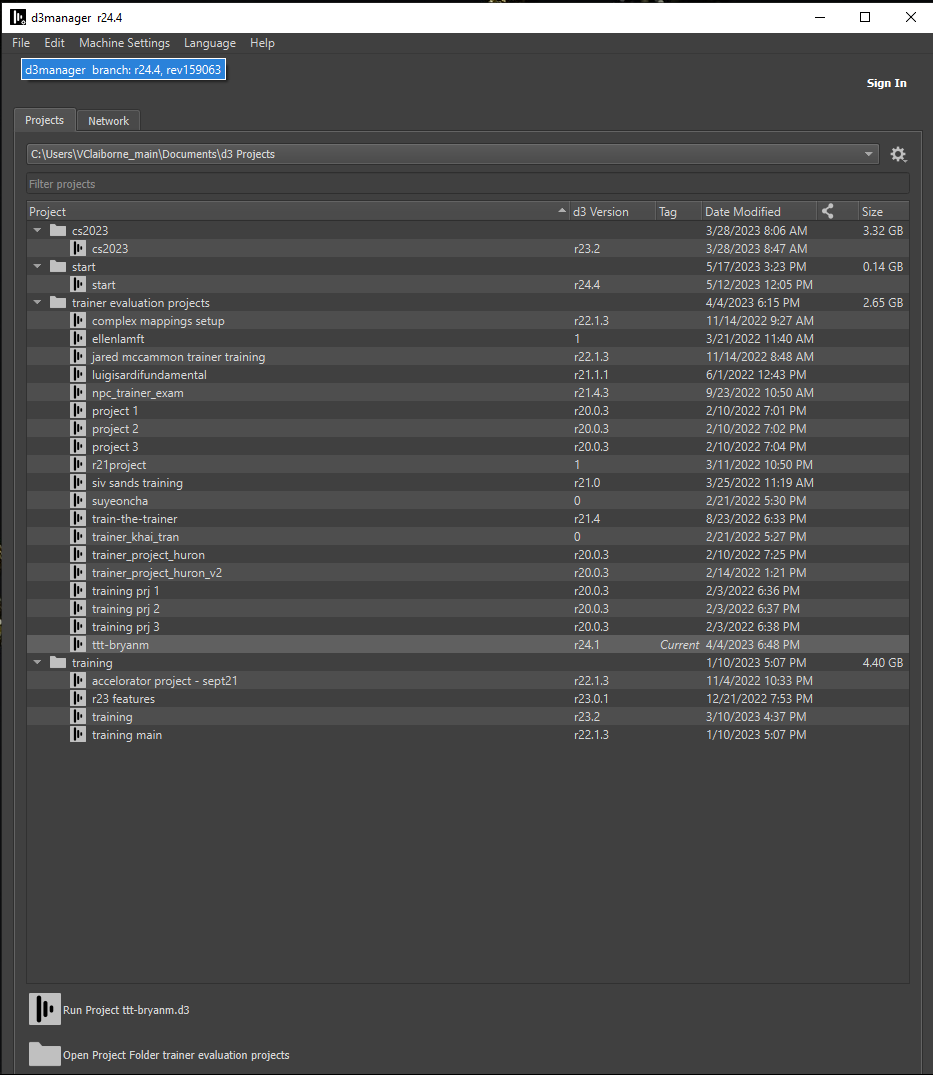
A tooltip box with the version number activiated by placing the mouse over the menu bar
Alternatively, when you start Disguise software, it displays a startup screen while loading the project. This consists of the logo at the bottom right of the screen, along with the version identifier. This consists of two numbers: the major release (such as Release 13, 14 and 15 etc) and the build revision (for example revision 35000, 36000, etc).
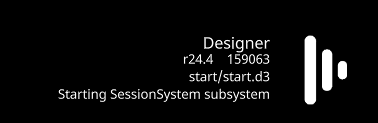
current release and build revision number displayed whilst project is loading