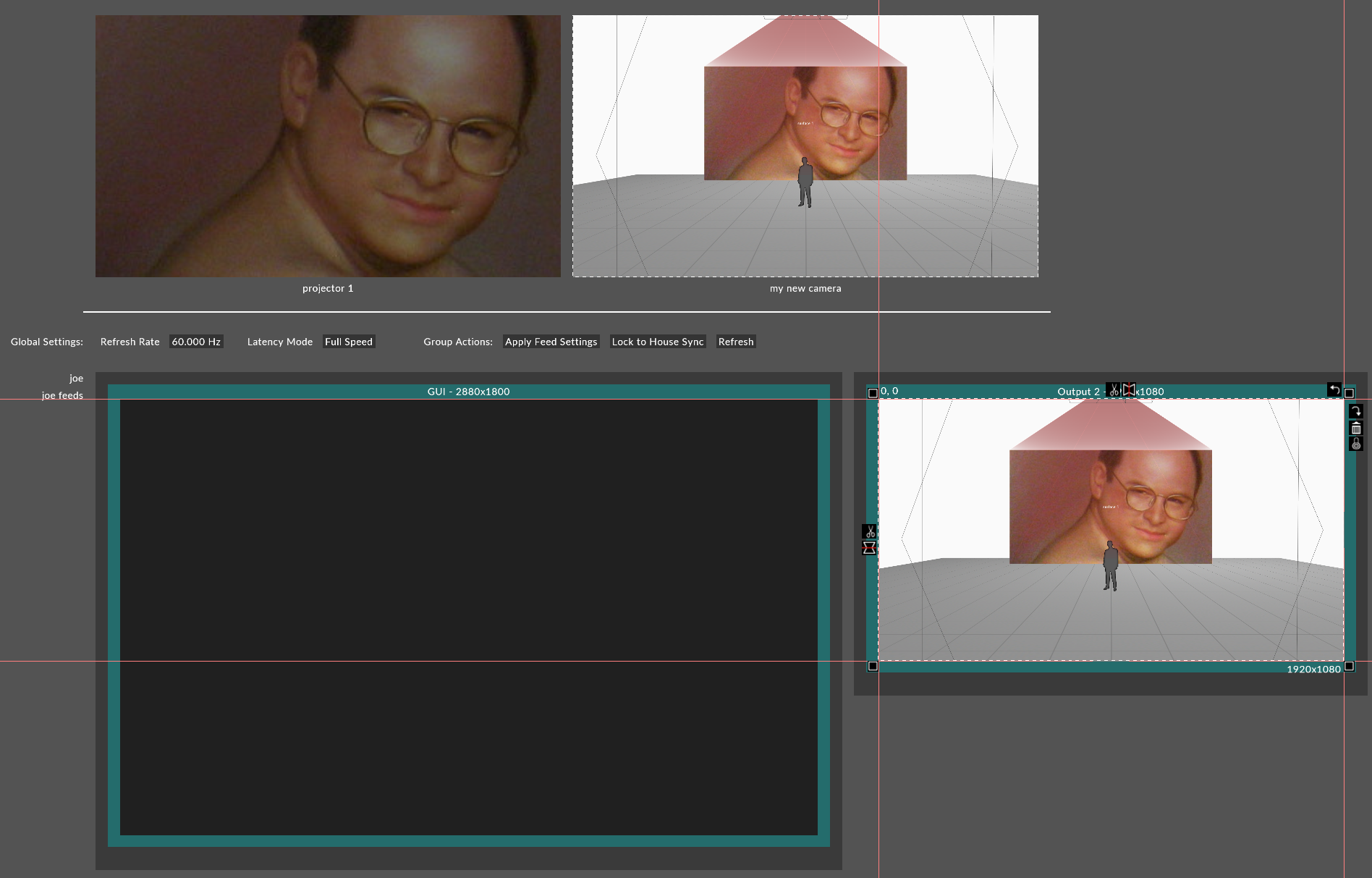
Patching Cameras to Feed Outputs
Cameras allow you to output that viewing perspective using feed rectangles in the Feed Output window.
Assigning the camera to a feed
-
Position the camera in the visualiser.
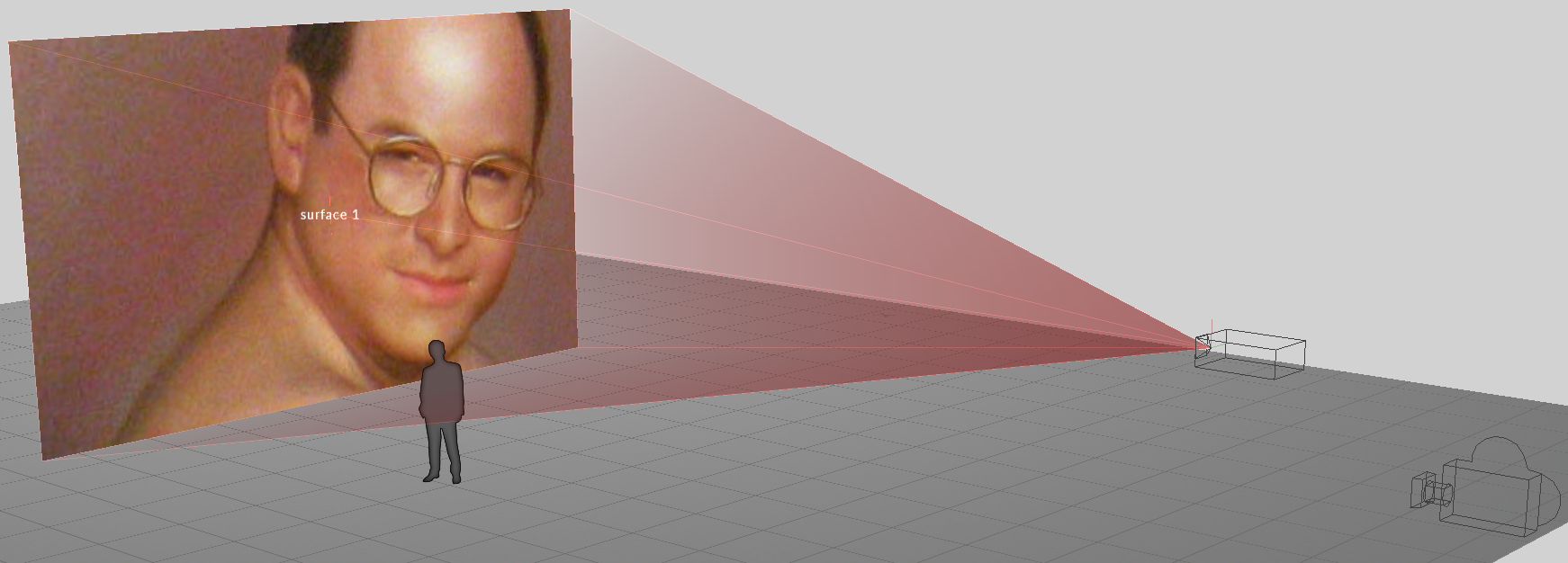
-
Left click Feed from the dashboard.
-
Right click on the camera feed at the top of the feed scene and left click Add feed rectangle or alternatively hold ALT, left click and drag an arrow from the camera feed to an available output head.